You’ve come to the right place if you’re looking for advice on some of the best tools you can use to enhance your online web presence! Only products I have tried and personally recommend appear in this small business resource library.

There are probably 20 different tools you can use for any particular task that needs to be done online these days. It can be hard to wade through the noise, especially if you’re new to having an online presence.
I love testing out new tools and services. I’ll try anything and everything and I have pretty strong feelings about what’s the best and what should be avoided. Whether you’re looking for a new web host or a graphic design tool, or anything in between, this small business resource library will provide you with myriad options that will help take your business to the next level.
Web Hosting
Choosing a web host is one of the most important decisions you’ll make as you set up your small business website. There are literally hundreds, and maybe thousands, of hosts from which to choose. Over the years, I’ve spent a lot of time working with various hosts and I have strong feelings about which ones are and which ones are not worth your money. For instance, Bluehost sucks, as well as all other hosts run by EIG.
I know many of you will say that price is one of the most important factors when choosing a host, and while I won’t argue with that, sometimes you get what you pay for, as is the case with Bluehost. The three things I look for when evaluating a hosting company include price, uptime (meaning your website won’t randomly go down), and great customer service.
With that in mind, there are currently three hosts I feel comfortable recommending in this small business resource library.
GreenGeeks
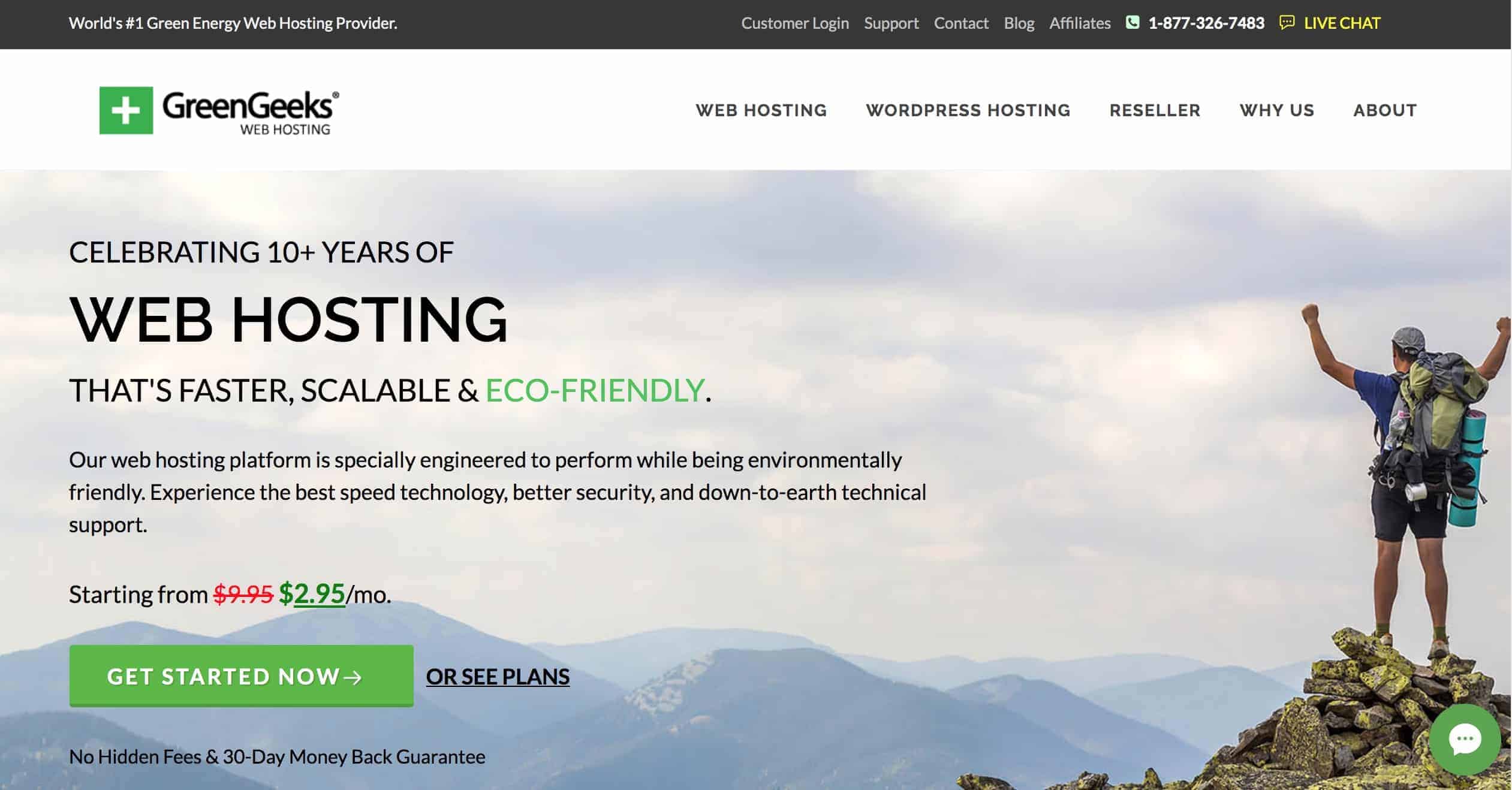
Whether you want to set up a new website yourself or you want me to do it for you, the web host I recommend 100 percent is GreenGeeks. There are quite a few reasons I like this company, including:
• One of the only eco-friendly web hosting providers
• You get your domain name free (one less thing to pay for!)
• Great customer service
• Fantastic up-time (meaning your site won’t randomly go down)
• Competitive pricing (starts at $2.95 per month)
• Based in the United States
• 30-day guarantee
• If you’re already hosting your website elsewhere, they’ll migrate your site to their servers for free
Lyrical Host
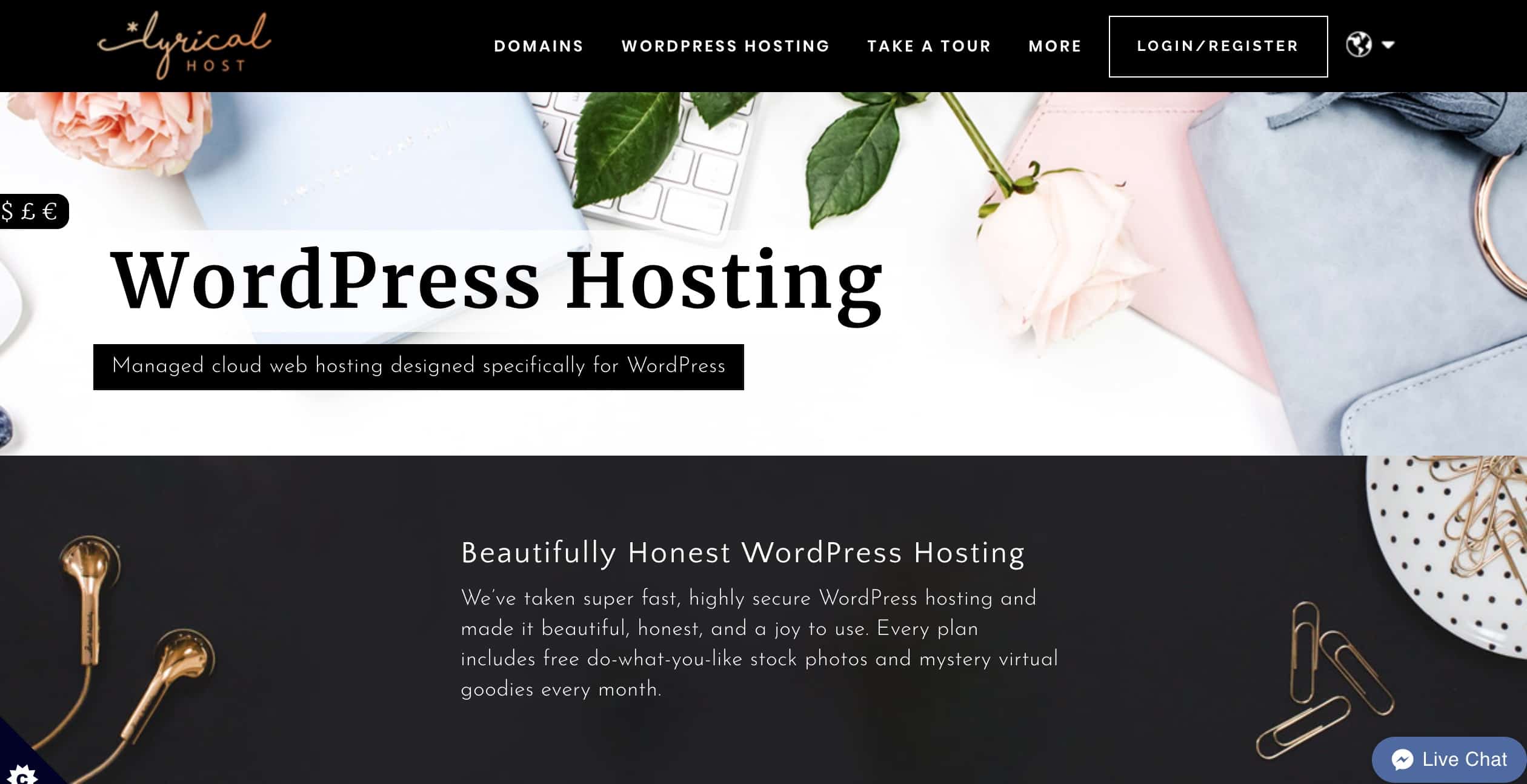
I’ve tried out many different web hosting companies over the years, but I now host the majority of my sites with Lyrical Host and I absolutely love them.
The reason they’re not #1 on my list is simply because of price. Hosting with Lyrical ranges from $11.99-$29.99 per month, which is still really affordable for what they offer, but more expensive than GreenGeeks.
I recommend Lyrical Host if you’re wary of WordPress and want to have someone you know by name (Hi, Joseph!) there to help you if you’re in a jam. Their customer service is second to none. Other reasons I recommend Lyrical Host:
• Free SSL certificates
• Automatic daily backups of your site
• They’re very hands-on and available to help you with virtually anything website-related.
Domain Registration
Your domain is the URL for your website. Since your domain can be purchased separately from your hosting, I recommend grabbing it as soon as you know what you’re going to call your company. The last thing you want is someone else buying your URL before you get around to it!
You can pay for years of web hosting up front, but for some reason, you can’t prepay for your domain registration for years on end. Domain registration is a yearly fee you need to work into your budget, but thankfully, it’s one of the cheapest fees you’ll face as a business owner!
NameCheap
 Typically, your domain will cost an average of $12 per year or so. There's virtually no reason to pay more than $15-$20 per year at the absolute maximum.The company I use to buy all of my domains is Namecheap. They are, as the name suggests, cheap.
The reason I prefer them is that they frequently have sales so you can get your first year for less, but also because they offer free WhoisGuard. When you purchase a domain, your private information like your address and phone number, go into a directory of website owners. If someone were to research your domain, they'd easily be able to find that information about you. WhoisGuard makes your information completely anonymous. Some domain companies charge $12-20 per year for this service, but Namecheap now offers it for free on all domains purchased from them.
Many web hosting companies also sell domains and there really is no right or wrong place to get yours. For instance, if you go with GreenGeeks web hosting, they offer the first year of your domain for free. Obviously, I recommend taking advantage of getting that year for free!
Social Media Schedulers
You’re busy but you also need to have the appearance of being online and posting to your social media sites regularly. But how do you do that without committing even more time that you probably don’t have?
You need a social media scheduler or two.
I’ve tried a bunch of them over the years (and continue to try new ones regularly), and a couple of the best that I had to include in this small business resource library include:
Buffer
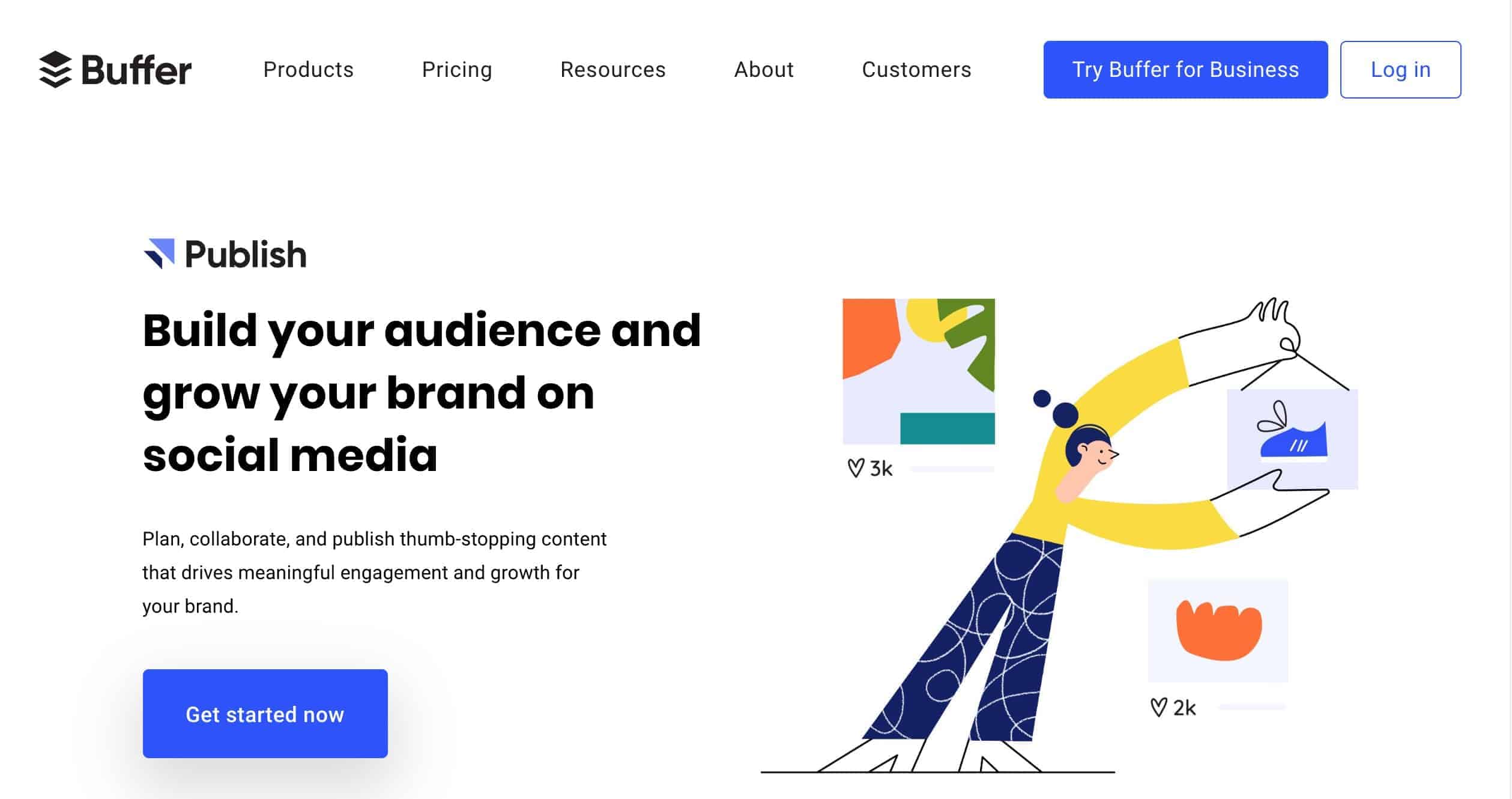
Buffer is an easy-to-use scheduler that could cover most of your social media needs. You can use it to schedule posts on Facebook, Instagram, Twitter, LinkedIn, Pinterest, and Google+. Buffer is one of the new schedulers that offers direct integration with Instagram, meaning that not only can you schedule your posts through the platform, but they can also auto-post for you!
Buffer has a limited free plan, that includes up to 3 profiles and 10 scheduled posts per profile. For more power, plans cost anywhere from $15-$399 per month.
Good news for those of you running a non-profit: Buffer offers a 50 percent non-profit discount!
MissingLettr
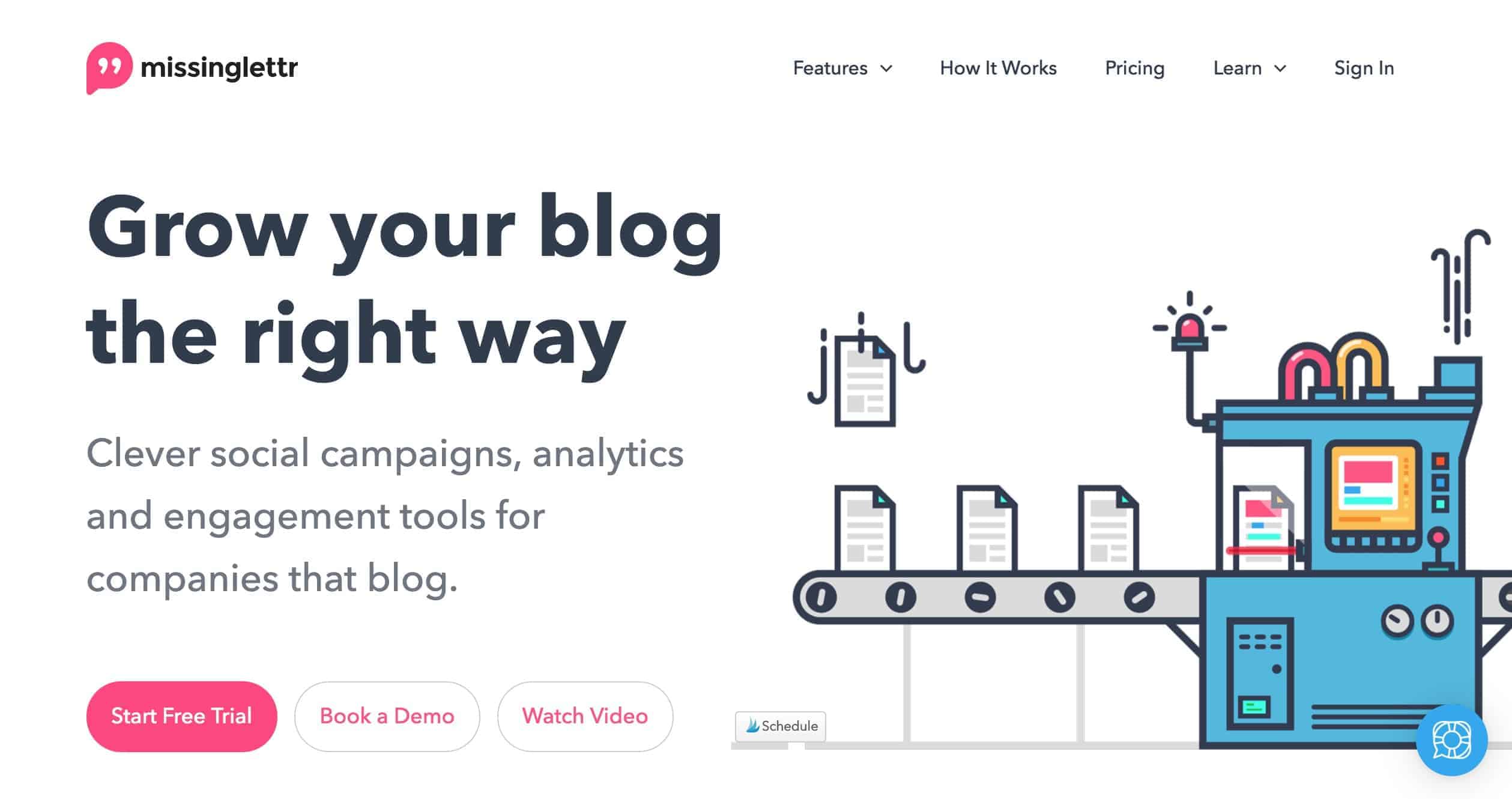
If you’re going to have a blog portion of your website (and I really suggest doing this because it will help with your SEO efforts, give you an opportunity to go viral, and let people get to know you better), then I recommend checking out MissingLettr.
This social media scheduler makes it incredibly easy to schedule unique posts to Twitter, Facebook, LinkedIn and more, up to five years in advance. What makes MissingLettr unique, though, is that it will actually give you unique prompts, so scheduling this far out is a pretty simple process.
Click here to get 50% off any plan for your first three months
Email Marketing
They say the money is in the list. Whether you offer a digital product or service or have a brick and mortar, having an email list is imperative. It’ll let you stay in regular communication with your customers, which will keep you front and center in their minds.
MailerLite
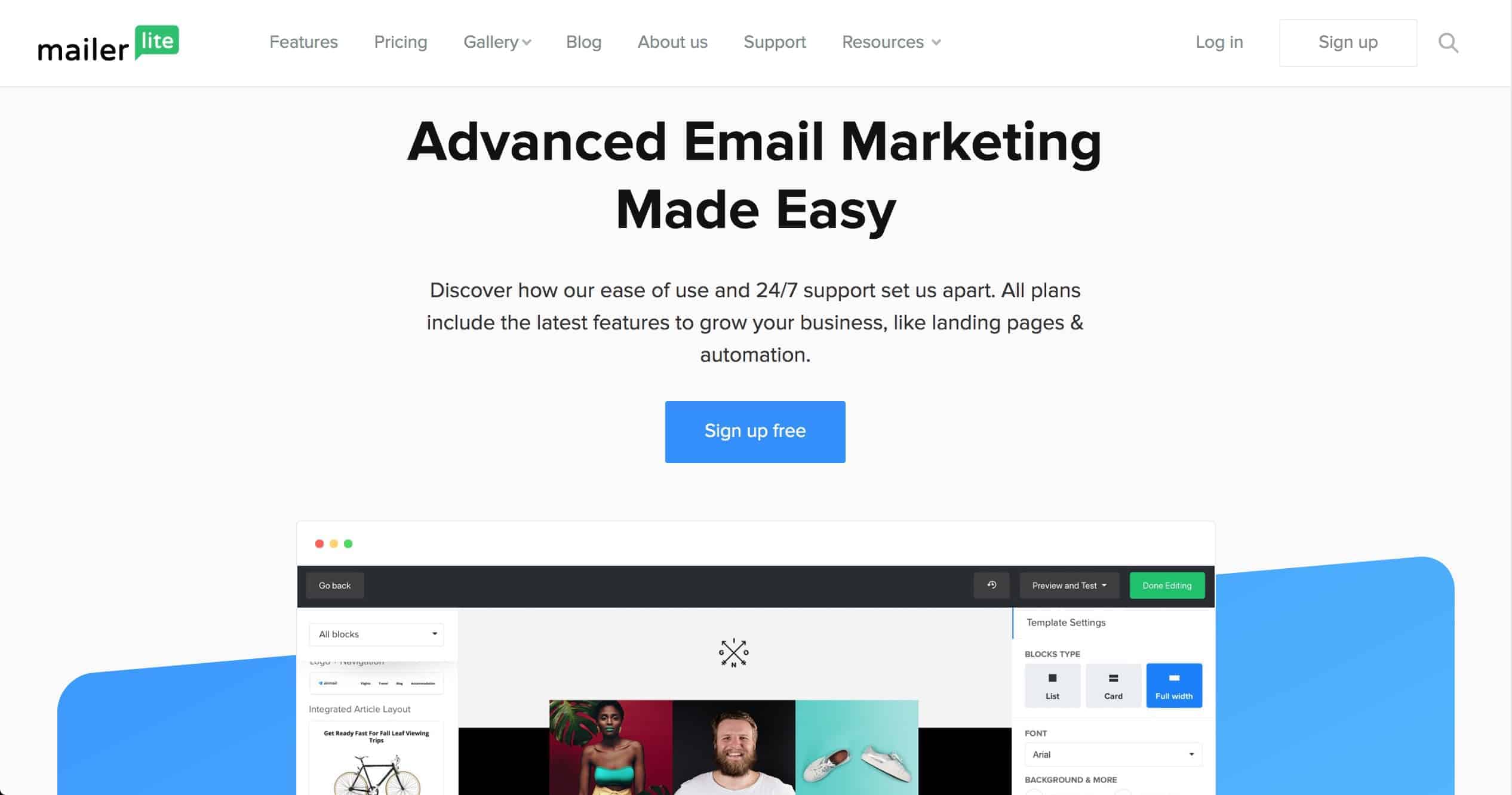
I don’t believe you should spend money until you’re making money. With MailerLite, you get a free account until you reach 1,000 subscribers, but even at that point, it’s one of the most affordable email services out there.
Don’t confuse affordability with a paucity of options, though. MailerLite has some of the same bells and whistles you’ll find with more expensive providers, like automated workflows and campaigns.
MailerLite also integrates with quite a few other platforms, which will make your life so much easier. Some of their partners include WordPress, Squarespace, Zapier, OptinMonster, ThriveLeads, WooCommerce, Shopify, and Facebook, among others.
Moosend
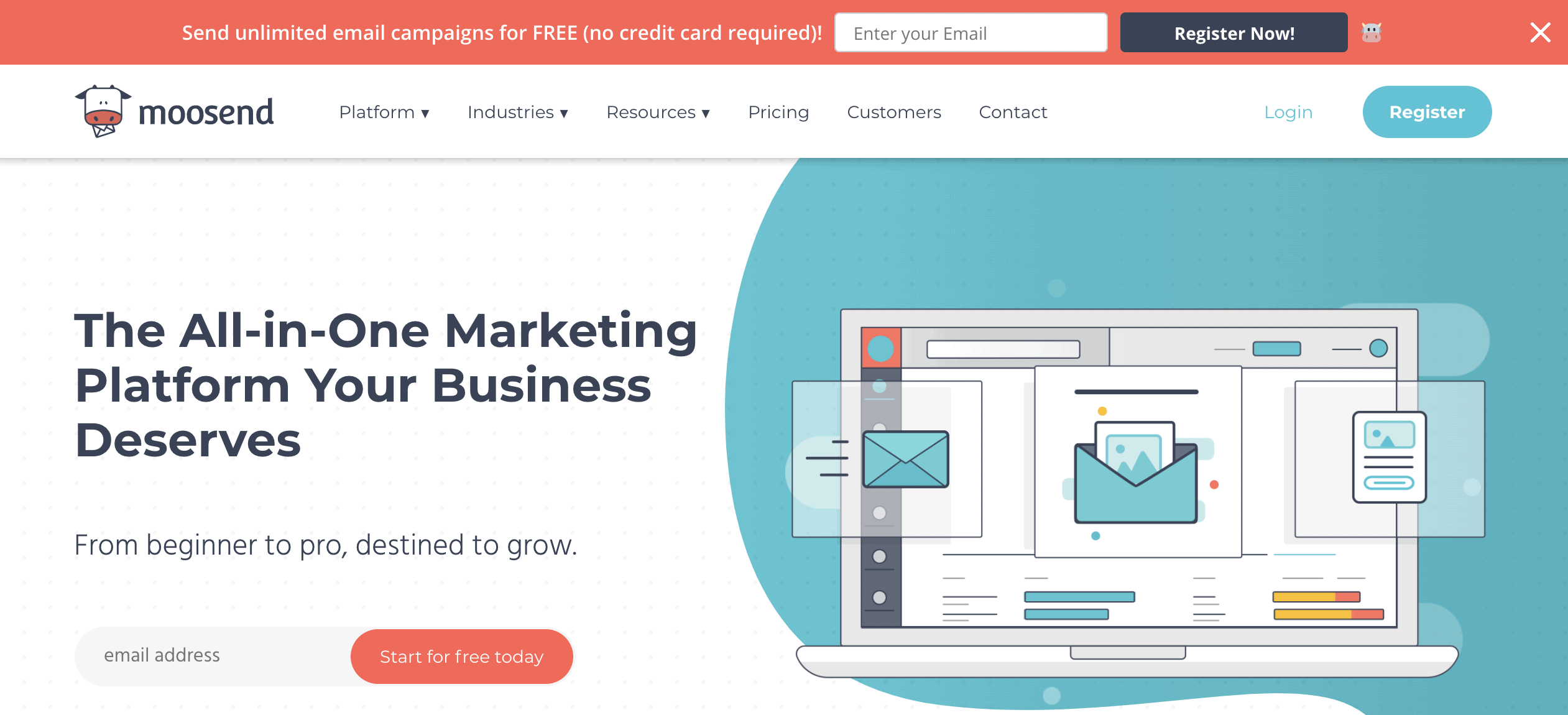
Way back in the day when I first started out, there weren’t very email marketing services. It was basically MailChimp and some other expensive guys. Now, however, there are plenty of budget-friendly options, including one of the newest to the market, Moosend.
Despite its silly name, Moosend has some serious power behind it.
Their free plan includes automation, a drag-and-drop builder, analytics, custom forms, and more! In addition to your website, you can connect Moosend with e-commerce and CRM platforms.
Moosend’s free plan should get you through until you have 1,000+ subscribers, then the paid options start at just $8 per month!
Graphic Design
Often, starting a business means wearing a ton of different hats. Unless you have the budget to work with a professional, this can even mean that you’re going to be your own graphic design artist. If that fills you with panic, don’t worry: There are plenty of tools that make this easier than ever.
Canva
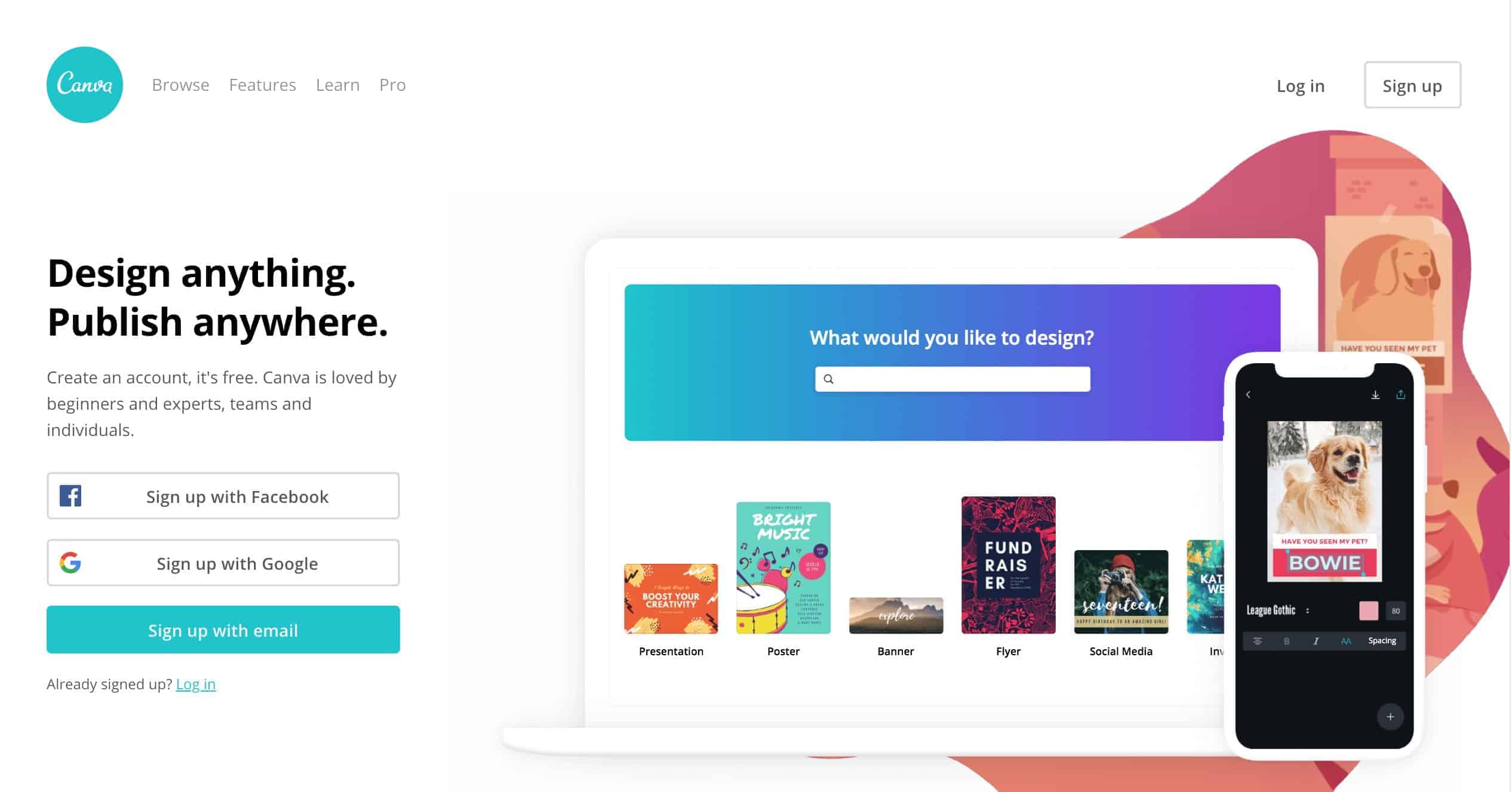
Canva is the leader in the graphic design space and, in my opinion, it’s a must-have tool for small business owners. Canva makes it incredibly easy to design whatever type of graphic you need, whether it’s an image to use on social media, a book cover, or a flyer. They have hundreds of beautiful templates you can choose from and updating them to match your own branding is a snap.
Honestly, Canva hasn’t always been my favorite, but they’ve made quite a few upgrades over the past couple of years! The site no longer makes my computer run obnoxiously slow. Also, with a Canva Pro plan ($12.96 per month), they now include ALL stock photos. No more paying $1 here or $1 there for random images! You’ll find many people using Canva for all of their graphic design work.
Stencil
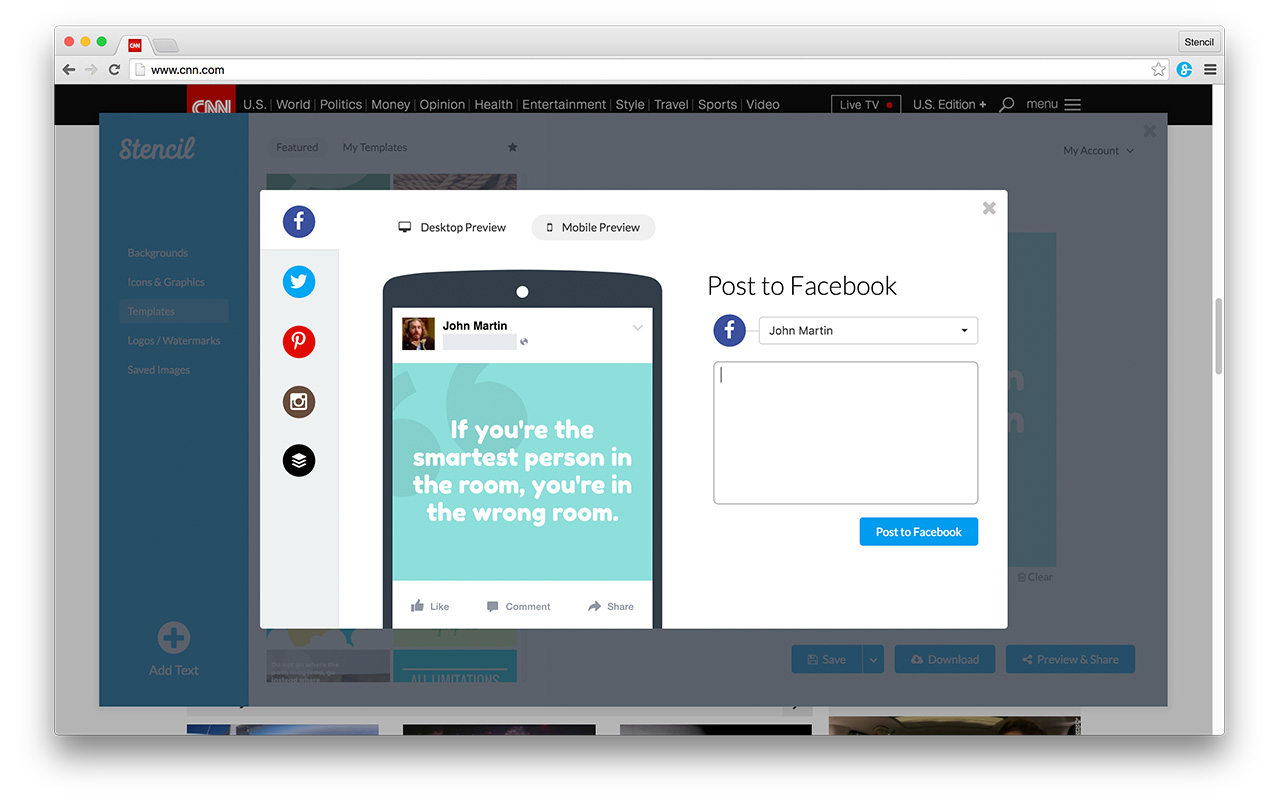
Another graphic design program I love is Stencil. I’ve used a bunch of different design programs over the years – including Adobe Photoshop and InDesign – but Stencil is hands-down one of the easiest I’ve used. With one click you can resize the image you’ve created so that you can have an image that’s optimized for all of the different social media outlets. As for graphics, they offer more than a million FREE stock images and icons that you can use in your designs. You can also preview what the image will look like on any of those sites – and even share your images directly!
Stencil also has a library of quotes you can use in your graphics, templates you can use to create your own designs, and offers the ability to upload your own images, fonts, and logos.
Business Cards
Thanks to the internet and cell phones, business cards may not be as imperative as they once were. But the easiest way to quickly leave your business information with someone will forever and always be a business card. Even if you’re not always handing them out, all small business owners should keep a stash of them just in case.
Moo
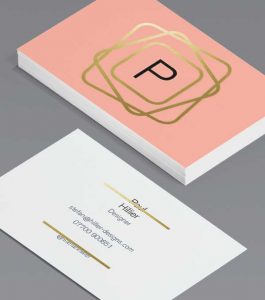
There are few things I love more than high-quality paper products. I’ve tried ALL of the business card printers out there in search of the perfect card and finally found it when I placed my first order with Moo. If you’re looking for luxury business cards without luxe prices, this is the shop for you.
Moo’s regular card – the cheapest business card option – is higher quality than you’ll find at most other places. But if you’re looking for something special, you can upgrade to things like gold foil business cards, spot gloss business cards, or even letterpress business cards.
If you want to wow your clients and partners, I promise you’ll find the best business cards at Moo!