
WordPress Website Tune-Ups
Owning a website is a lot like owning a car.
There are a lot of little mysterious pieces that need to fit together perfectly in order to create something that runs smoothly.
And, websites need regular tune-ups, just like cars.
Chances are, at some point you built your own website or had one designed for you, and you breathed a sigh of relief as soon as the process was over. I don’t blame you – websites are a big deal for businesses and just putting one up can be an ordeal.
Well, you know what’s coming now, right?
But…
On a daily basis, there’s a lot that can go wrong with a website, which is why it’s important to Invest in tune-ups and preventative maintenance.
Common Website Issues

Your systems stop working together
A few different elements make up the basic backbone of every WordPress website: A URL, website hosting, WordPress itself, and your theme.
At any time, one of these elements may stop playing nice with the other elements. Maybe it’s because something hasn’t been updated, a bill hasn’t been paid, or a terrible web host is trying to force you to upgrade your services.

You get hacked
Hackers work to find holes in your website that they can exploit.
The easiest way for them to find holes?Unupdated websites.
WordPress, plugins, and themes are constantly updated and frequently those updates fix security issues. Websites that forego preventative maintenance can be hacking goldmines!

Your website is slooooooow
Your website doesn’t have to be slow.
“It has always been this way” isn’t an excuse.
In this day and age, you have seconds to capture someone’s attention, and the more time your site spends loading, the less of a chance you’re going to get them to keep reading.
Having a zippy website is imperative!

Your website theme was abandoned
Website themes, which help determine how your site is going to look, are built and updated by people. They may eventually get bored with their themes and abandon them.
Problems arise when themes are abandoned. Other elements of your site will continue to be updated, but your theme won’t, which will cause mayhem.

Your website is a mystery
You’re busy and the LAST thing you want to do is learn how to run your website. I get it, but that said, there are a couple of things I think every business owner needs to do, such as sign into their site, check the analytics (because you DO have Google analytics installed, right?!), edit a typo, or change a picture.
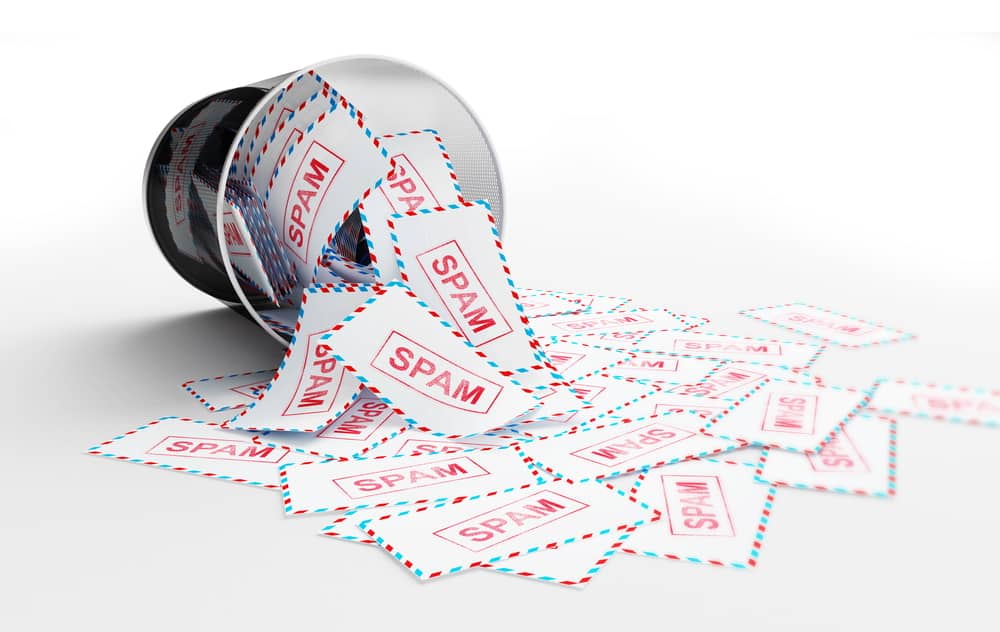
Spam
There’s a good chance that your inbox is full of spam if you have a contact form on your website.
I have no idea why people and bots enjoy filling out contact forms but it’s definitely a thing and it’s majorly annoying.
Thankfully, you can do more than just hit “delete” nonstop.
Preventative Maintenance
As a home-owner and car-owner, I both love and loathe the term “preventative maintenance.” I love the idea of being proactive to make sure everything keeps working as it should but paying for an unknown emergency that hasn’t yet happened – and that, frankly, may never happen – can be a bummer.
But just like preventative maintenance can save you big bucks on future home or auto repairs, so can preventative website maintenance.
A hacked website can take out a site for weeks. A website that just stops working can set you back months.*
Instead of burying your head in the sand and hoping the worst won’t happen, invest in a website tune-up and keep your site humming along happily.
* While this seems like this could be a quick repair, in the past year I’ve encountered two websites running abandoned themes (meaning they hadn’t been updated by the developer for years) that necessitated full redesigns.
What’s Included with a WordPress Website Tune-Up:
• I will go through your website’s back-end to make sure everything (WordPress, themes, plugins, etc.) is up-to-date and working seamlessly.
• Make sure everyone who has access to the backend of your website has their own account and make sure all passwords are updated.
• Review your plugins and systems that are in place and make any recommendations if they might be improved.
• Remove plugins that are not being used.
• Improve the security of your website by installing a security plugin and ensuring backups are being performed regularly.
• Make general recommendations for things you may wish to do to create a smoother experience for your website visitors.